Official Release — macOS Menu Bar App

Eliminate visual clutter.
Stay in the zone.

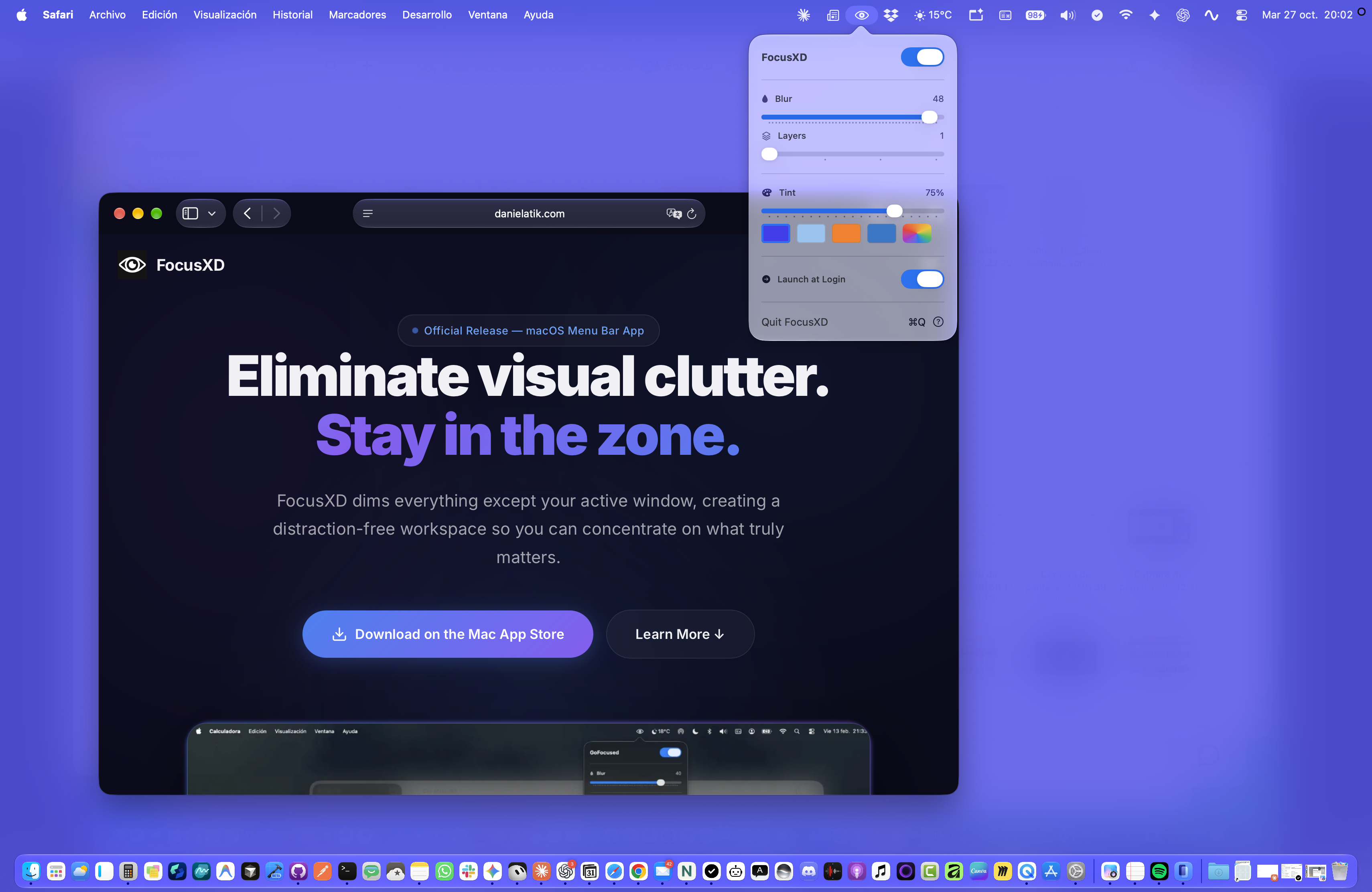
FocusXD dims everything except your active window, creating a distraction-free workspace so you can concentrate on what truly matters.
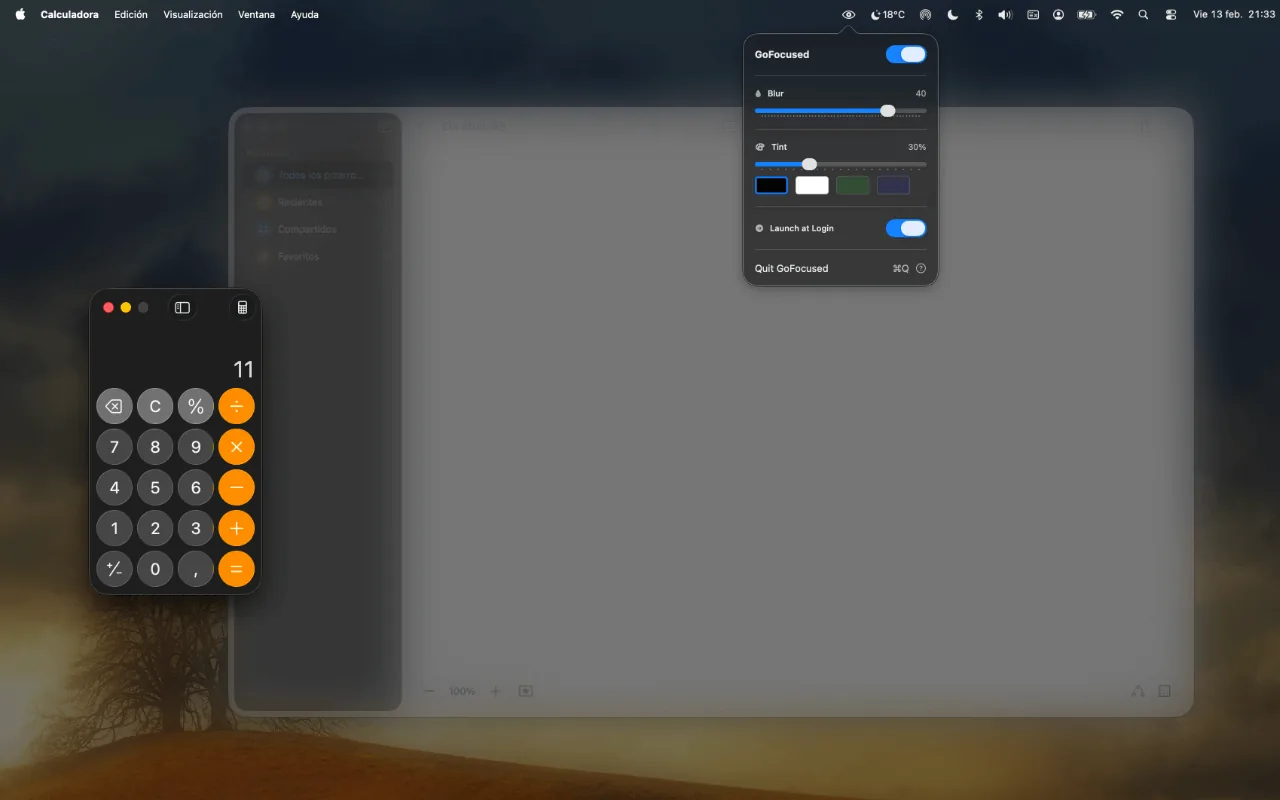
FocusXD in action — dimming background windows so you can stay focused
Play
Release · macOS 13+ · Apple Silicon & Intel
Everything you need to
stay focused

Powerful yet simple. FocusXD gives you fine-grained control over how background windows are dimmed — without ever getting in your way.

🔮

Adaptive Blur

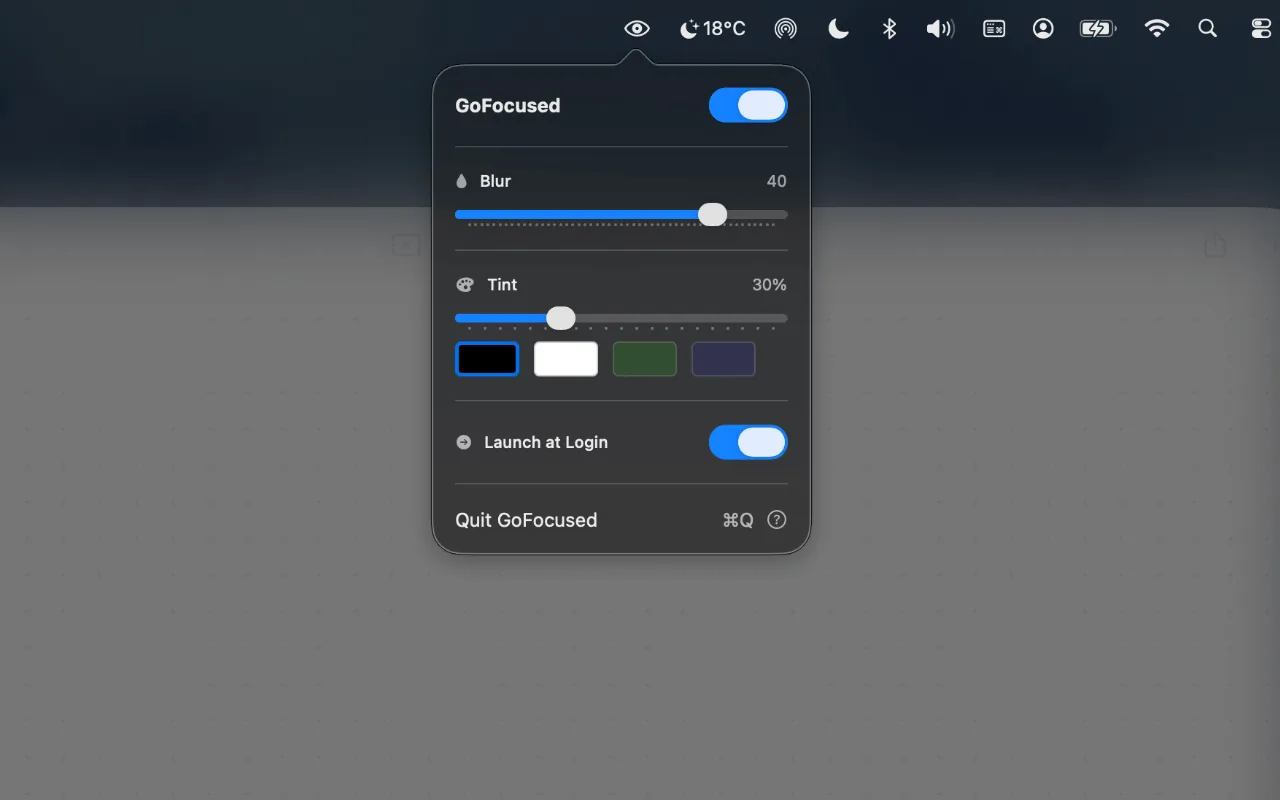
Smoothly blur background windows with adjustable intensity. From a subtle haze to complete obscurity — you choose.

🎨

Custom Tint Overlay

Add a colored veil to background content with your choice of colors. Match your mood, your wallpaper, or your brand.

🪟

Layers

Keep up to four windows sharp at once — editor, terminal, and docs stay crisp while everything else fades into the background.

👁️

Always Tracking

Automatically follows your active window across apps and spaces. Switch apps freely — FocusXD keeps up.

⚡

Zero Friction

Lives in your menu bar. Works instantly. No setup required. Toggle it on, and it just works — beautifully.

🖱️

Click-Through Design

The overlay never blocks your clicks or interrupts your workflow. Interact with anything on screen naturally.

Simple by design.
Powerful by nature.

FocusXD doesn't block apps or set timers. It simply makes everything else fade away, so you can focus on what's right in front of you.

  • ✦ Click the eye icon in your menu bar to access settings
  • ✦ Dial blur, tint, and Layers — keep one window sharp, or up to four for real multi-app workflows
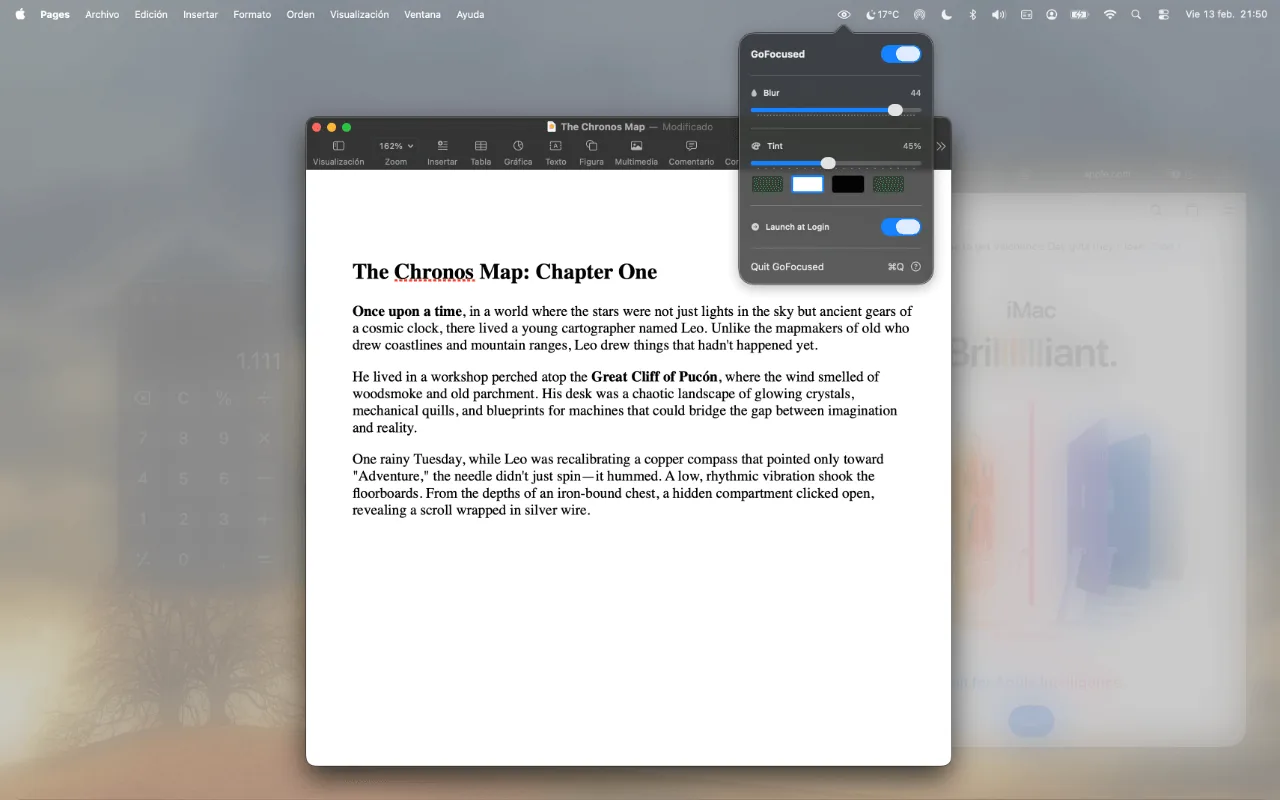
  • ✦ FocusXD does the rest — automatically dimming background windows as you switch between apps
FocusXD menu bar popover with blur and tint controls
FocusXD keeping the active workspace sharp while dimming the rest of the desktop

Not just one window.
Up to four, sharp.

Deep work rarely fits in a single window. Raise the Layers slider and FocusXD keeps several apps crisp — like your editor, terminal, and docs — while the rest of the desktop softens away.

  • ✦ Layers = 1 — classic focus mode: only the frontmost window stays sharp
  • ✦ Layers = 2–4 — stack a real workflow (code + terminal + browser/docs) without losing the dimmed calm
  • ✦ Same blur & tint still apply to everything outside those layers, so visual clutter never fights for attention

Before & After

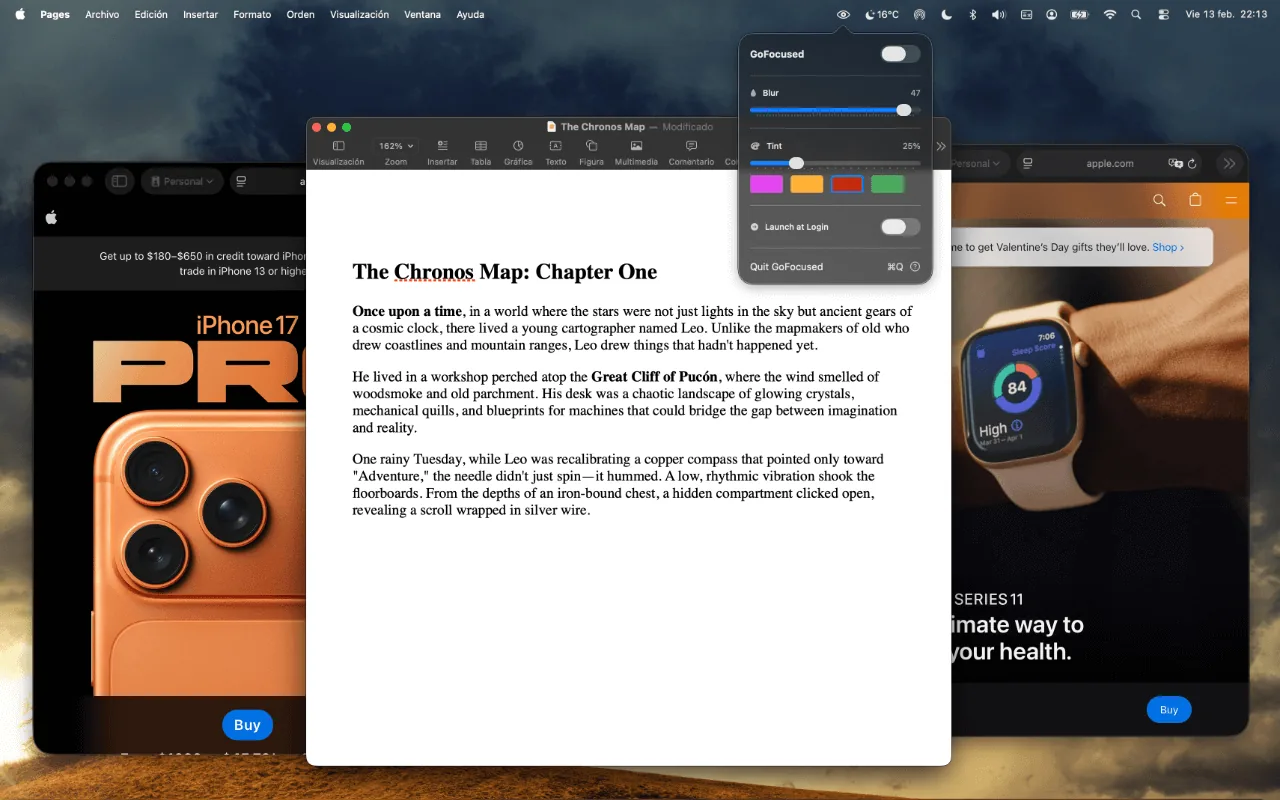
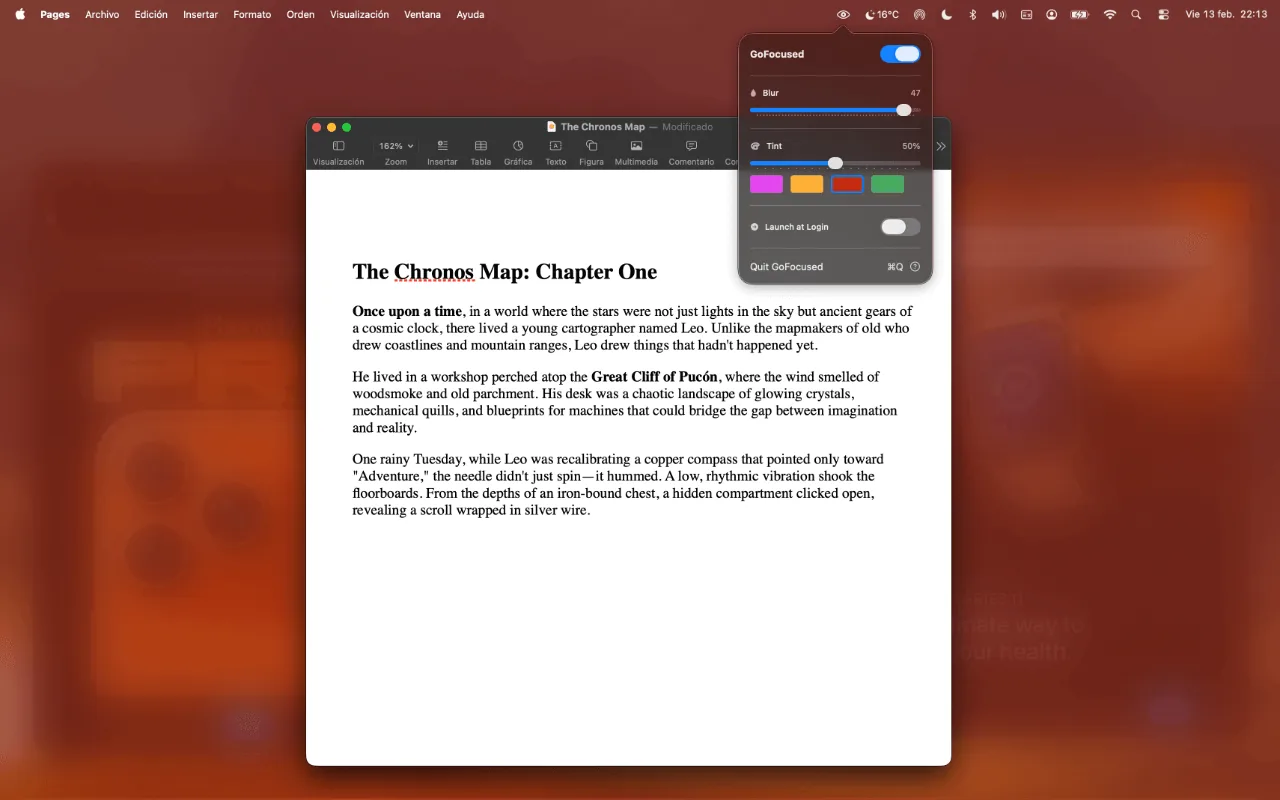
See how FocusXD transforms your workspace. The difference is night and day — literally.

Without FocusXD — cluttered background windows visible Without FocusXD
With FocusXD — background windows dimmed and tinted With FocusXD

Built for anyone who needs
deep concentration

💻 Deep Work Sessions
👨‍💻 Coding Marathons
✍️ Writing & Content Creation
🎬 Video Editing & Design
🎥 Online Meetings
🧹 Reducing Visual Clutter
🧘 Staying in the Zone

Ready to focus?

Download FocusXD and transform the way you work. Your most productive days are ahead.

macOS 13+ · Apple Silicon & Intel