 Local AI Server
Translate and transform.
Translate between supported languages, rewrite drafts, or adapt the tone of a message. Send text from your app to the local model through the API.
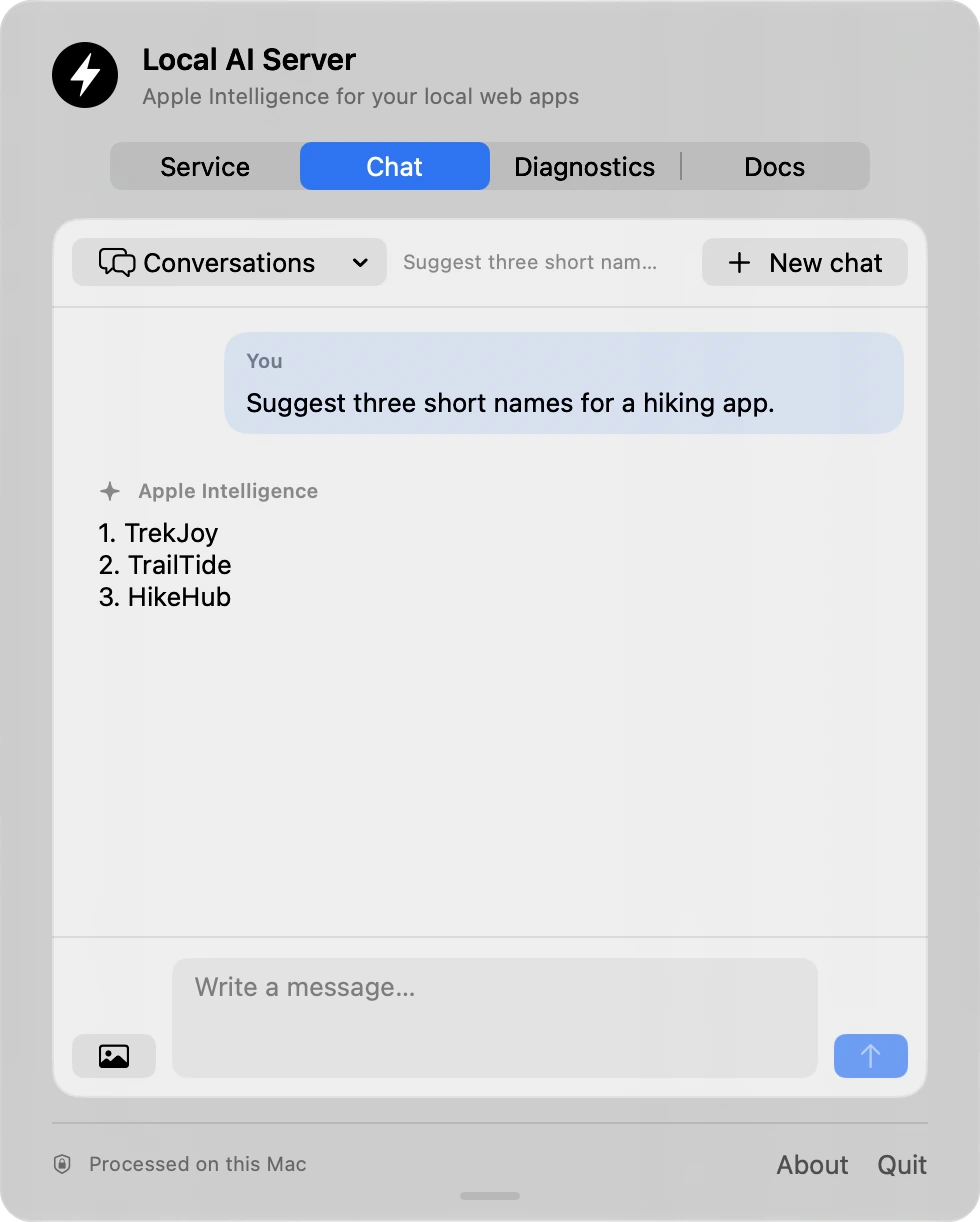
Bring Apple Intelligence to your apps through a local API powered by Apple’s on-device Foundation Models.
Prompts, images, and responses are processed on your Mac. What you share stays between you and your Mac.
Apple silicon · macOS 26+ · Apple Intelligence enabled
Build with on-device AI
Build text-processing features with the Apple Intelligence model managed by macOS. Local AI Server keeps inference on your Mac and makes it available to your apps through a loopback HTTP API.
Translate between supported languages, rewrite drafts, or adapt the tone of a message. Send text from your app to the local model through the API.
Turn notes into summaries, classify incoming text, or identify key information in short documents. Prompts and responses are processed on the Mac.
On macOS 27 or later, attach an image when the system model reports vision support. Image analysis runs on your Mac and returns a text response.
Context depends on the system model. Supported configurations include 4,096- and 8,192-token windows. Diagnostics shows the exact limit reported by your Mac. Instructions, conversation history, and generated responses share that budget.
For developers
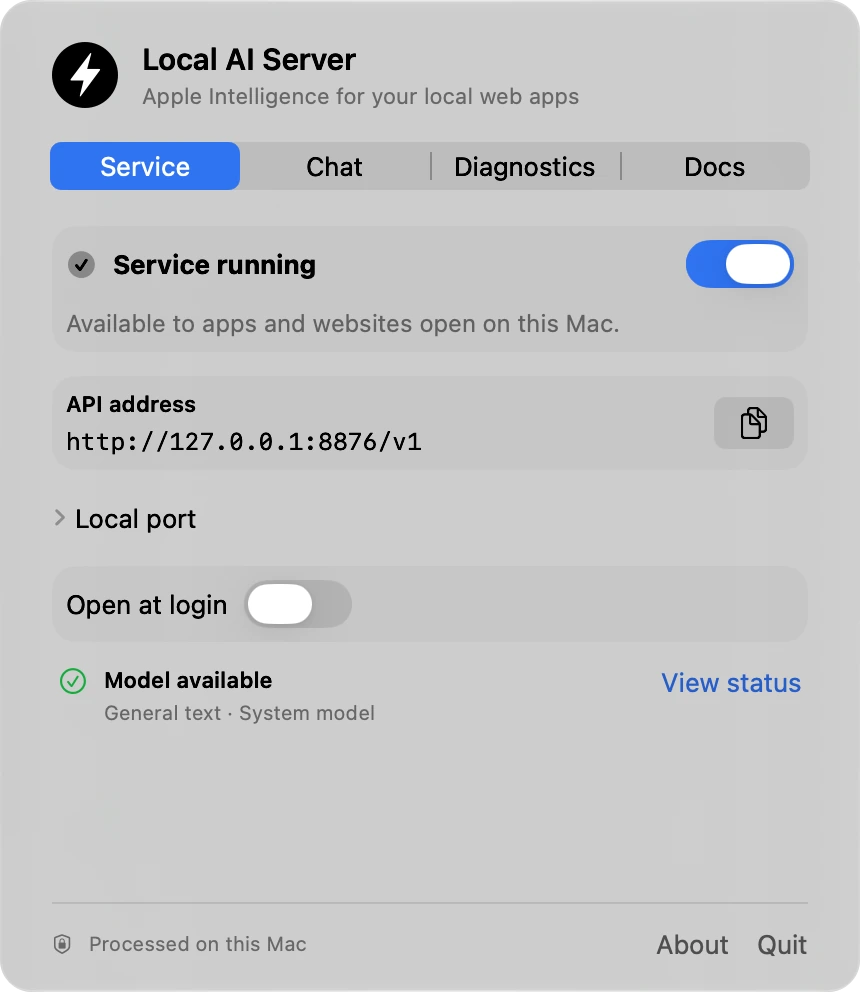
Send requests to Apple’s on-device model through a subset of OpenAI-style Chat Completions, including streaming text responses. Use the default API address or set your own port.
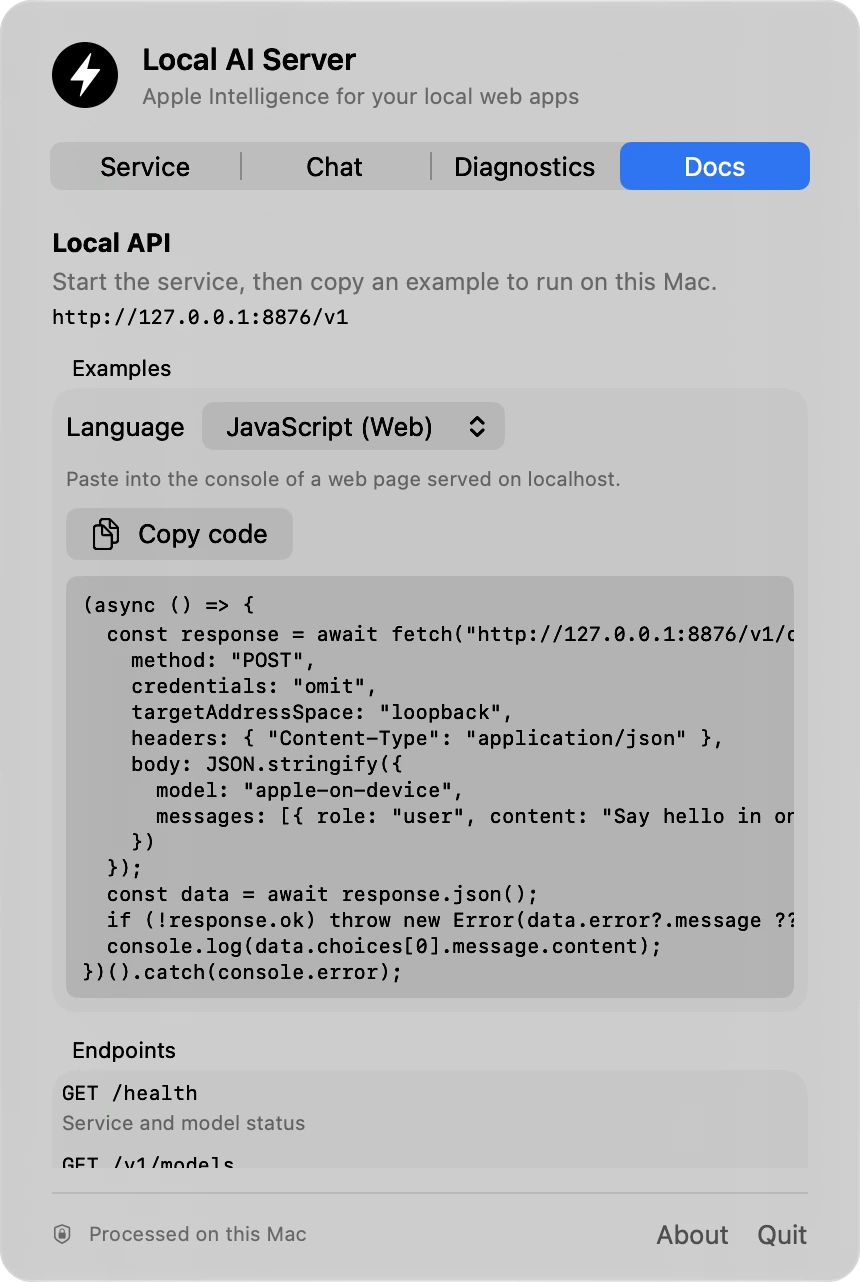
Copy examples for JavaScript, Node.js, Python, C#, cURL, Swift, and Ruby from Docs. Use Diagnostics to check the model’s context size and capabilities, and the native chat to test prompts with the API switched off.
When the service is on, apps and browser pages that can reach loopback can use it without an API key. Your browser may ask for local network access. Turn the service off when you’re done.
curl -sS http://127.0.0.1:8765/v1/chat/completions \
  -H 'Content-Type: application/json' \
  -d '{
    "model": "apple-on-device",
    "messages": [
      {"role": "user", "content": "Suggest a name for a hiking app."}
    ]
  }'
Support
Local AI Server is made by Daniel Atik. For help, include your macOS version and describe what happened.
Email supportA Mac with Apple silicon, macOS 26 or later, and Apple Intelligence enabled and ready. Image input requires macOS 27 or later and a system model that reports vision support.
Local AI Server uses the on-device model supplied by macOS. If Apple Intelligence is still being set up, macOS handles the initial model download.
Open Local AI Server from the menu bar, turn on Service, and copy the address shown there. The API listens on the same Mac. Browser pages may need permission to access loopback.
Open Chat, choose the conversation, and delete it from the Conversations menu. See the Privacy Policy for details.